You may want to take a photo of each member in your group for your member database, so your member database can look like this:
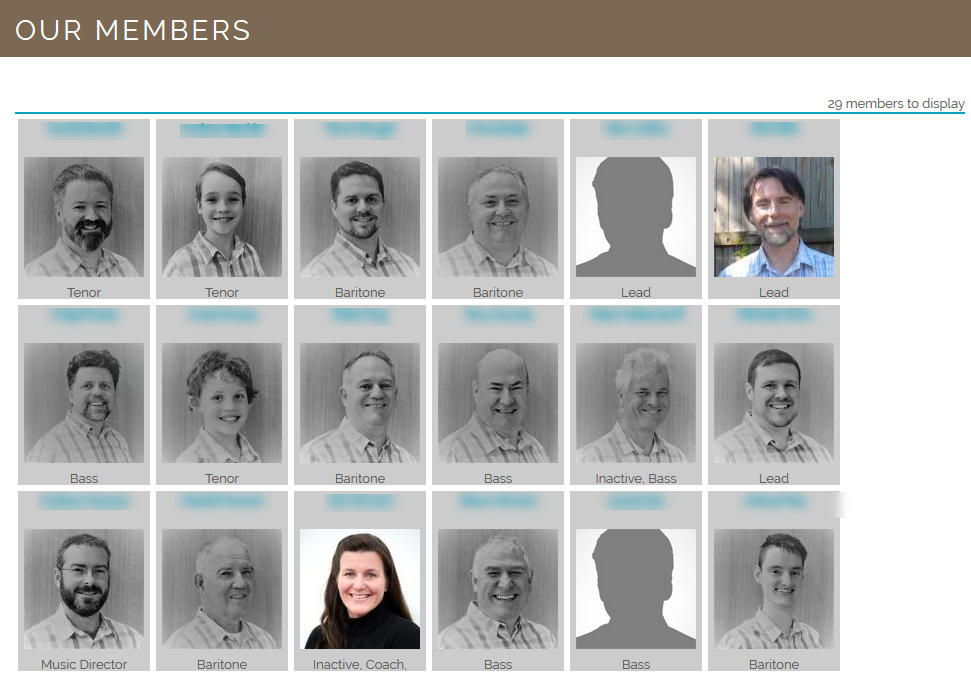
A good way to do this is to get someone who knows which end of a digital camera to look through to come to a group meeting and take identical head-and-shoulders photos of each member.
Note that for best results, member photos should be resized/cropped to 800 x 800 pixels.
Was this article helpful?
That’s Great!
Thank you for your feedback
Sorry! We couldn't be helpful
Thank you for your feedback
Feedback sent
We appreciate your effort and will try to fix the article